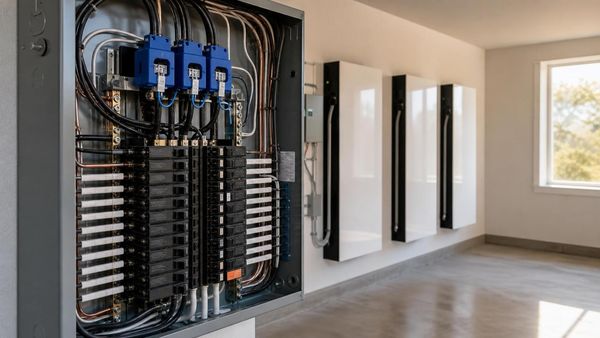
Is One Tesla Powerwall Enough for Backup?
It depends on what you mean by "backup." One Powerwall can keep critical loads running for 1-2 days, but whole-home backup requires more capacity. Here's how to size your battery system correctly.
The Short Answer
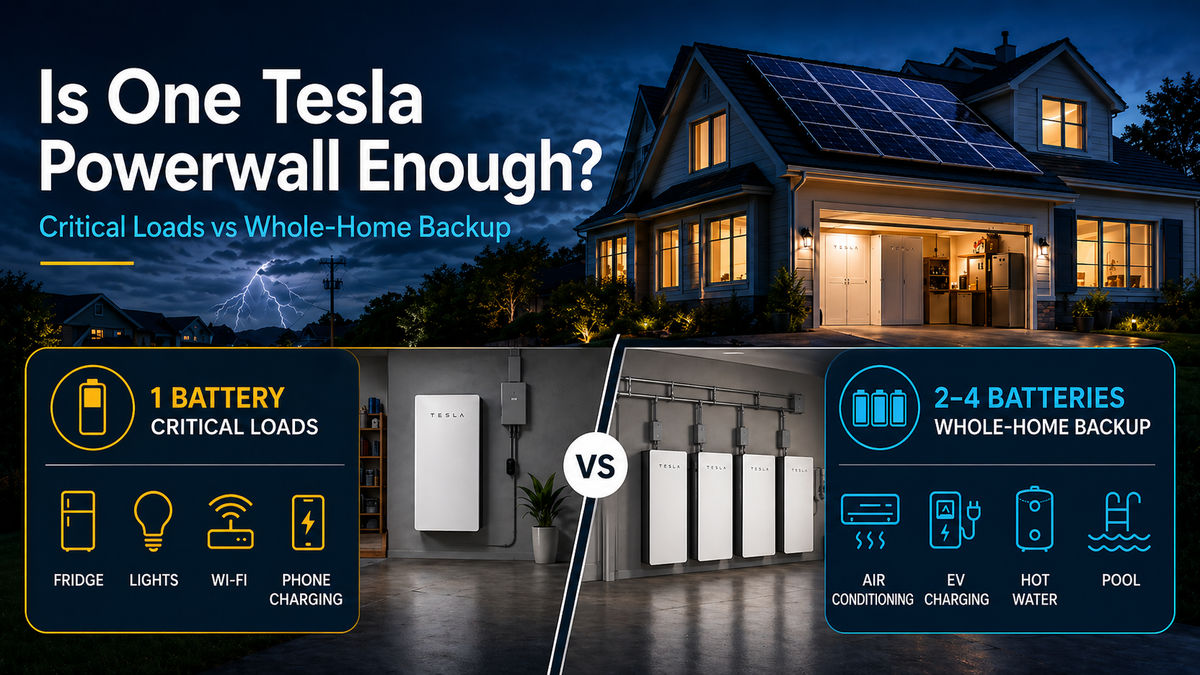
For critical loads like a refrigerator, freezer, lights, internet, phone charging, and basic outlets, one Tesla Powerwall is often enough for roughly one day of backup without solar. With solar, it can last much longer if the home’s energy use is managed carefully.
For whole-home backup, including air conditioning, electric cooking, pool equipment, hot water, or EV charging, one Powerwall is usually not enough to run the home normally for long periods. Most whole-home backup designs require two to four Powerwalls, depending on the size of the home and how much energy the customer wants to use during an outage.
For extended outages, solar changes the equation. A Powerwall paired with solar can recharge during the day and support critical loads for extended periods, as long as daily solar production is enough to keep up with usage.
Tesla Powerwall 3 Specs
Tesla Powerwall 3 is a major upgrade from previous generations because it combines battery storage with a high-power integrated inverter.
Capacity & Power
- Usable capacity: 13.5 kWh (100% depth of discharge)
- Continuous power output: 11.5 kW
- Peak power (10 seconds): 30 kW (for startup surges)
- Round-trip efficiency: 90%
- Solar Input: Up to 20 KW DC
Heavy Load Start capability: Up to 185 LRA
Powerwall 3 has enough power output to support many household loads, but battery runtime is still limited by the amount of stored energy available.
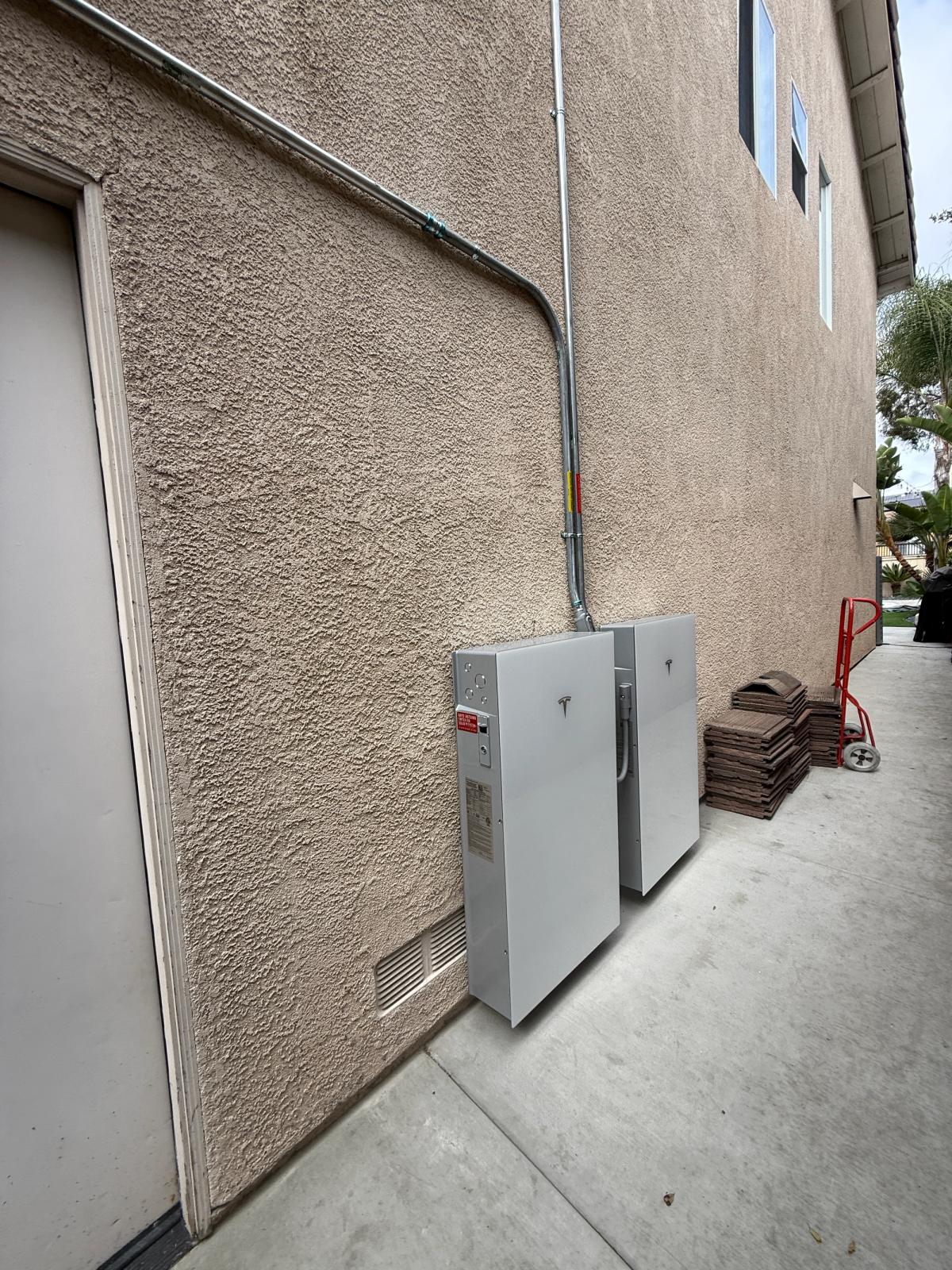
Understanding "13.5 kWh" in Real Terms
How Long Will It Last?
A Powerwall stores 13.5 kWh of usable energy. How long that lasts depends on how much power your home is using.
Think of it like a gas tank. The battery size is the tank. Your usage (appliances) determine how fast you drain it.
Example 1: Light Critical Load Use
Typical loads:
- Refrigerator
- Freezer
- A few lights
- Internet/Wi-Fi
- Phone charging
- Basic outlets
Estimated average usage:
500 watts to 1,000 watts
Estimated runtime:
Roughly 13–27 hours without solar
With solar, the system may recharge during the day and extend the backup window significantly.
Example 2: Comfortable Backup Use
Typical loads:
- Critical loads
- TV
- Microwave
- Laptop charging
- More lights and outlets
- Occasional small appliance use
Estimated average usage:
1–1.5 kW
Estimated runtime:
Roughly 9–13 hours without solar
This is where load management matters. Using a microwave for a few minutes is not a big issue, but running several appliances at the same time will drain the battery faster.
Example 3: Heavy Usage
Typical loads:
- Central AC
- Electric stove or oven
- Electric dryer
- Pool pump
- EV charging
- Electric water heater
Estimated usage while running:
3–10+ kW depending on the equipment
Estimated runtime:
A single Powerwall may only last a few hours under heavy usage.
Important note: A Powerwall may be able to start certain large loads, but that does not mean it can run those loads for a long time. Air conditioning, electric heating, pool pumps, and EV charging can drain battery storage quickly.
Critical Loads vs Whole-Home Backup
What Are "Critical Loads"?
Critical loads are the essential items you want to keep running during an outage.
Common critical loads include:
- Refrigerator
- Freezer
- Lights
- Internet/Wi-Fi
- Phone charging
- Medical equipment
- Garage door opener
- A few selected outlets
A critical-loads backup design is usually the most efficient way to stretch battery runtime.
Typical energy usage:
8–15 kWh per day
One Powerwall runtime without solar:
Roughly 20–40 hours depending on the actual loads
What Is Whole-Home Backup?
Whole-home backup means the battery system is connected to support most or all of the home.
This may include:
- Critical loads
- Air conditioning
- Heating
- Electric water heater
- Washer and dryer
- Dishwasher
- Electric stove or oven
- Pool equipment
- Garage circuits
- General outlets
- EV charging
Whole-home backup is more convenient, but it requires more battery capacity and careful design.
Typical whole-home usage:
30–60+ kWh per day
One Powerwall runtime:
A few hours during heavy usage, or longer if the home is carefully managed
Most customers who want true whole-home backup are better served with multiple batteries.
How Many Powerwalls Do You Need?
For many homes, one Powerwall can be enough for critical loads.
Example:
- Refrigerator, freezer, internet, lights, and basic outlets
- Estimated usage: 8–12 kWh per day
- One Powerwall: 13.5 kWh usable capacity
Estimated backup time:
About one day without solar
Longer with solar and careful energy use
Partial Home Backup
For customers who want critical loads plus some larger appliances, one to two Powerwalls may be appropriate.
This may include:
- Critical loads
- A microwave
- TV
- Small kitchen appliances
- Select bedroom or office outlets
- Possibly limited AC use depending on the system design
Estimated backup time varies widely based on usage.
Whole-Home Backup
For whole-home backup, most homes need two to four Powerwalls.
General sizing guide:
- Critical loads only: 1 Powerwalls
- Small to medium Home managing loads: 1-2 Powerwalls
- Whole-Home Backup managing usage: 2-3 Powerwalls
- Large Home or heavy AC usage: 3-4 Powerwalls
The right answer depends on the home’s electrical loads, daily energy use, solar size, and what the homeowner expects to run during an outage.
Adding Solar Changes Everything
Solar allows the battery to recharge during the day.
Example:
- One Powerwall: 13.5 kWh of storage
- Solar system: 6 kW
- Critical-load usage: 10–15 kWh per day
In good sun conditions, the solar system may produce enough energy to recharge the battery and continue supporting critical loads. In poor weather, during heavy smoke, or with high household usage, the battery may still drain.
This is why solar + battery design should be based on both:
- How much energy the home uses
- What the customer expects to run during an outage
Is One Powerwall Enough?
One Tesla Powerwall may be enough if you:
- Only want to back up critical loads
- Have solar to recharge the battery
- Are comfortable managing loads during an outage
- Do not expect to run AC, EV charging, electric cooking, or pool equipment for long periods
You may need more than one Powerwall if you:
- Want whole-home backup
- Have high daily energy use
- Want to run air conditioning during outages
- Have medical equipment or need extra redundancy
- Do not have solar
- Want backup for longer outages
- Plan to charge an EV during outages
The Bottom Line
One Tesla Powerwall can be a great backup solution for essential loads. For many homeowners, it can keep the refrigerator, lights, internet, and basic circuits running through a typical outage.
But one Powerwall is not the same as unlimited whole-home backup.
If you want to run your home like normal during an outage, especially with air conditioning, electric appliances, pool equipment, or EV charging, you will likely need multiple batteries and a properly designed solar system.
The second major factor is solar storage. If you already have solar or adding solar, your battery system should be sized so more of your solar production is stored and used by your home instead of being sent back to the grid. This is especially important under modern utility billing structures, where self-consuming your solar energy can be far more valuable than exporting it.
At SHS Power, we design battery systems around real-world usage, not just battery specs. The right system depends on your home, your electrical loads, your solar production, and what you want powered when the grid goes down.
And lastly, no customer has ever told us, “I wish I had less battery storage.”